📚 文章 (
📝
字数:
304
⏱
阅读时间:
1 分钟
)
系列文章见: 《回忆AI时代-从图灵机到人工智能》
什么是MCP
MCP(Model Context Protocol,模型上下文协议),这是由Anthropic在2024年11月推出的一个开放协议,用来让 AI 模型能够以统一方式连接外部工具、类似AI Agent世界里的USB-C接口,它可以统一连接:
- 数据库
- 文件系统
- GitHub
- Slack
- Notion
- 浏览器
- 企业内部系统
- 各种 API
在MCP未出现之前:
1
2
3
4
5
6
7
8
9
10
11
12
13
14
| Claude
├── GitHub Tool
├── Notion Tool
├── Slack Tool
GPT
├── GitHub Tool
├── Notion Tool
├── Slack Tool
Gemini
├── GitHub Tool
├── Notion Tool
├── Slack Tool
|
有了MCP之后
1
2
3
4
5
6
7
8
9
| MCP Server
/ | \
GitHub Notion Slack
\ | /
MCP
|
----------------
| | |
Claude GPT Gemini
|
构建MCP
- 安装
mcp sdk
- 创建MCP Server,比如我们做一个“计算器 + 文件读取”工具
1
2
3
4
5
6
7
8
9
10
11
12
13
14
15
16
17
| from mcp.server.fastmcp import FastMCP
mcp = FastMCP("demo-server")
# 工具1:加法
@mcp.tool()
def add(a: int, b: int) -> int:
return a + b
# 工具2:读取文件
@mcp.tool()
def read_file(path: str) -> str:
with open(path, "r", encoding="utf-8") as f:
return f.read()
if __name__ == "__main__":
mcp.run()
|
- MCP Client。
1
2
3
4
5
6
7
8
| {
"mcpServers": {
"demo": {
"command": "python",
"args": ["server.py"]
}
}
}
|
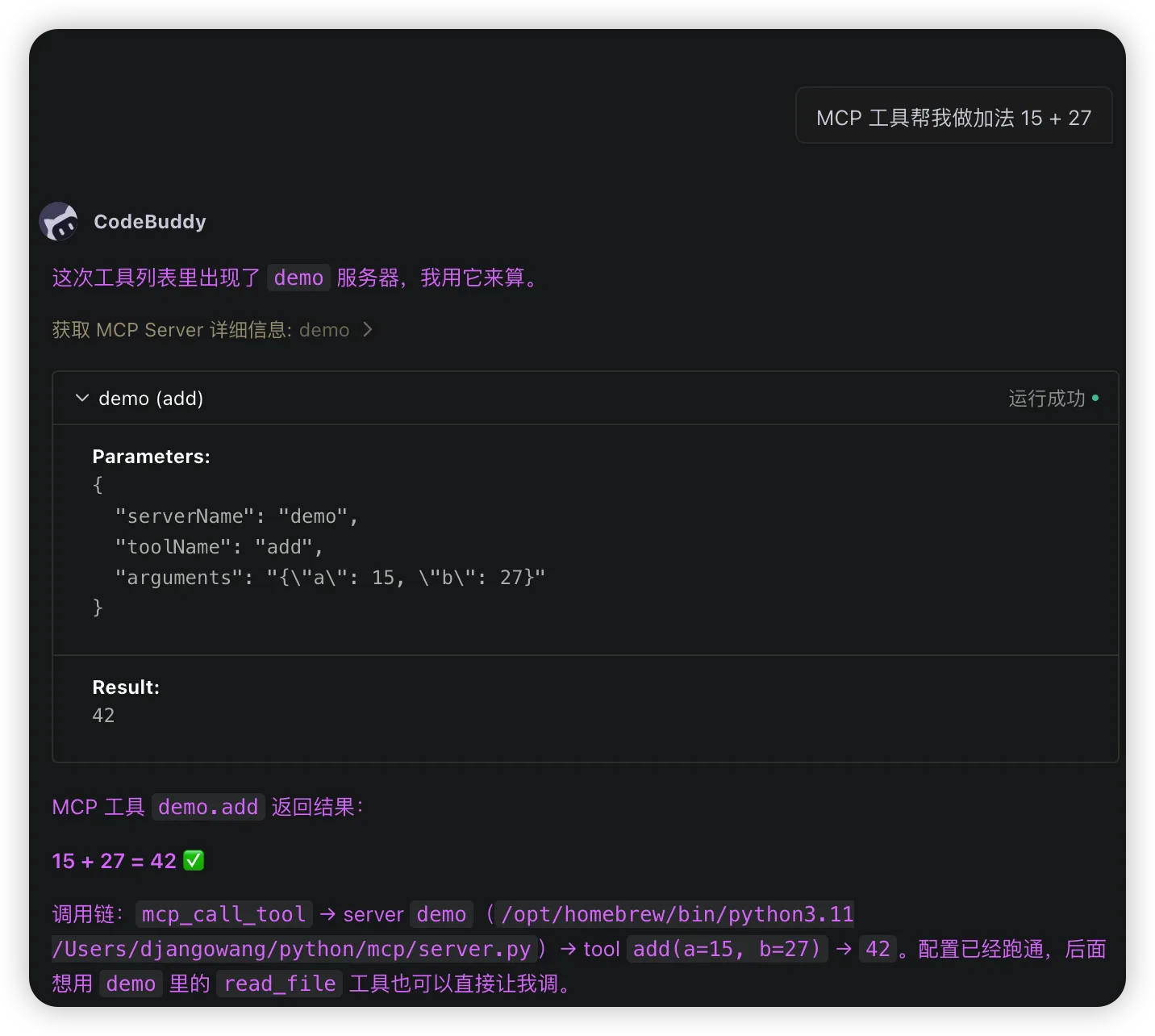
4.用Agent连接MCP,这里我用的是Codebuddy,并在提示词中输入MCP 工具帮我做加法 15 + 27